Enjoy FREE shipping on your first order! (Minimum $99 purchase)

Enjoy FREE shipping on your first order! (Minimum $99 purchase)
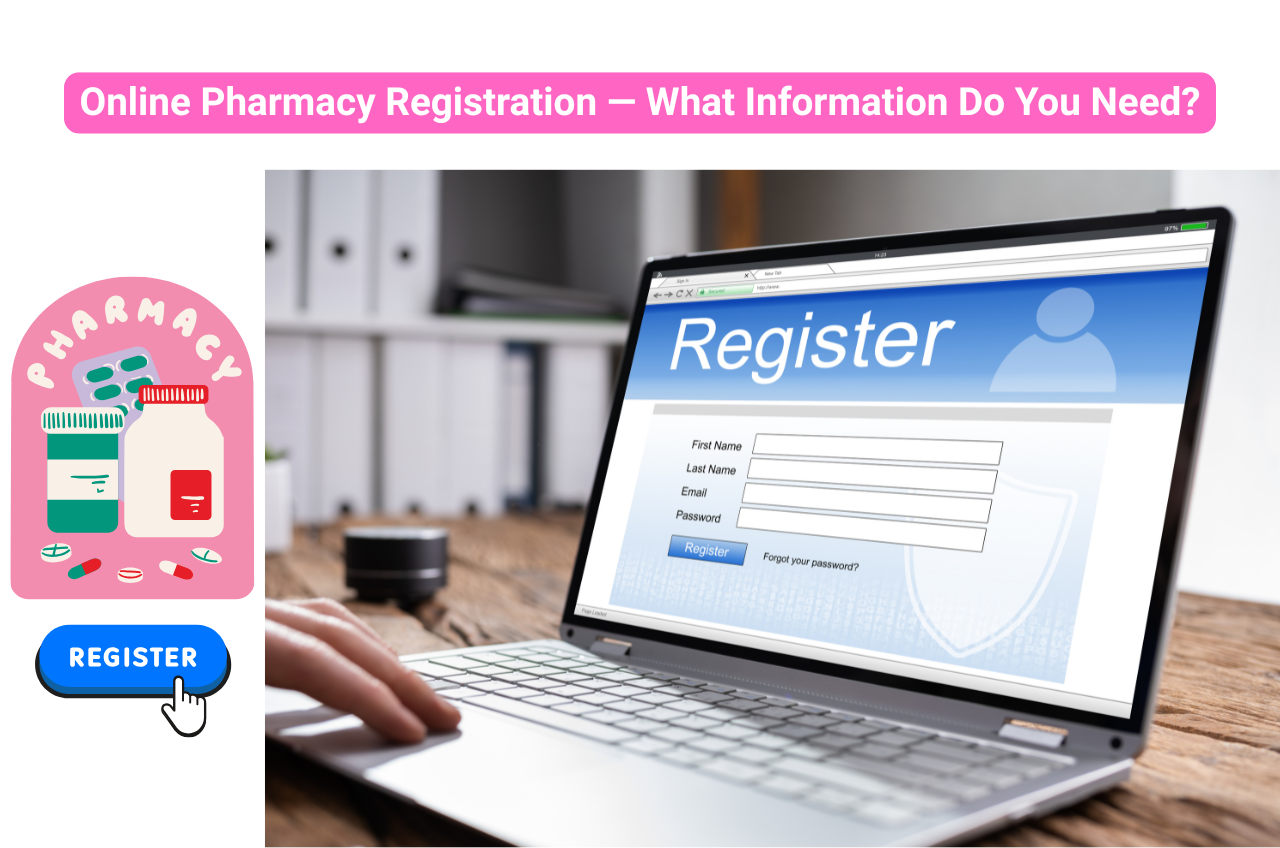
Managing prescriptions, ordering medicines, and tracking refills can take time. An online pharmacy makes these tasks more convenient by allowing you to manage orders from home. Before signing up, understand how to register with an online pharmacy, what information you need, and how to protect your personal details.
Creating an online pharmacy account makes managing medications easier. You can access relevant information, use available services, and manage your orders without starting from scratch each time.
Here are some of the benefits of online pharmacy account registration:
These features can make routine medication management easier. However, the services available will depend on the pharmacy, the medicines involved, and the regulations in your location.
Create your account with Canada Pharmacy Pro to explore available medicines and access our online pharmacy services conveniently.
Before signing up, understand the information needed to register with an online pharmacy. Most platforms require basic personal and contact details to create your account and arrange communication or delivery.
You may be asked to provide the following:
This information helps the pharmacy identify you and create your customer profile.
Your contact details allow the pharmacy to send account updates and communicate with you about your orders.
To protect your account, you will generally need to create login credentials.
Depending on the pharmacy's services, you may be asked to provide some health-related information.
This could include:
Not every pharmacy collects all these details during registration. Some ask for prescription information only when you place an order, while others may request additional details to provide specific services.
A helpful tip: Share only the information necessary for the service you are using. Read the pharmacy's privacy policy before submitting sensitive personal or medical details.
In most cases, you do not need a prescription simply to create a basic customer account. However, you will generally need a valid prescription to purchase prescription-only medicines.
The distinction is important:
Some online pharmacies allow you to upload a prescription during registration, while others request it when you select a prescription medicine or proceed to checkout.
You may also be asked to provide additional information if the prescription is unclear, incomplete, or requires verification.
Remember: A website that promises to sell prescription-only medicines without requiring a valid prescription is a warning sign. A legitimate online pharmacy follows the prescription requirements applicable to its location and the location where it serves customers.
Wondering how to register with an online pharmacy without missing important details? The process is usually straightforward. Although the exact steps vary between platforms, the following guide covers what you can generally expect.
Start by selecting a pharmacy that is authorised to operate in the relevant jurisdiction. Check its licensing details, physical address, and contact information. Look for a qualified pharmacist who can answer medication-related questions.
Do not rely on website appearance or promotional offers alone to establish whether a pharmacy is legitimate.
Open the pharmacy's official website using its verified web address. Look for options such as:
Select the appropriate option to begin your online pharmacy account registration.
Complete the registration form with your full name, date of birth, email address, mobile number, and other requested information.
Check that your details are accurate, particularly your email address and delivery address. Incorrect information may cause problems with account verification or future orders.
Choose a secure password that is difficult for others to guess. Follow the platform's password requirements, which may include a combination of uppercase and lowercase letters, numbers, and special characters.
If available, activate additional account verification for better security.
Some pharmacies send an OTP to your registered mobile number or a verification link to your email address.
Follow the instructions provided to confirm your contact details. If you do not receive the verification message, check your spam folder or request another code through the official website.
If you plan to order prescription medicines, follow the pharmacy's instructions for submitting your prescription.
You may need to upload a clear image or scanned copy of the document. Make sure the prescription is valid and that the required information is visible.
Do not upload medical documents through unofficial links or unsecured communication channels.
Before submitting the form, check your personal details, contact information, and any medical information you have provided.
Read the terms and conditions and privacy policy to understand how your information will be used.
Once everything is correct, submit the form. You should receive an email, SMS, or on-screen confirmation when your account has been successfully created.
After completing registration, log in using your registered email address or username and password.
Depending on the platform, you may be able to:
You can now use the available account features whenever you need them.
Before you click the final registration button, take a moment to review a few important details. This small check can help you avoid unnecessary complications and protect your information.
Use this checklist before signing up:
Creating an online pharmacy account can make routine medication management simpler, from submitting prescriptions to tracking orders and reviewing previous purchases. The registration process is generally straightforward when you have your personal details ready and follow the pharmacy's instructions.
However, convenience should never come at the expense of your safety. Always verify the pharmacy's credentials, understand its privacy practices, and ensure that prescription requirements are followed.
Take the next step with Canada Pharmacy Pro. Register today to explore available medicines, manage your account, and submit a valid prescription when required.
Usually, no. Many online pharmacies allow you to create a basic account without uploading a prescription. However, you will need a valid prescription from an authorised healthcare professional to purchase prescription-only medicines. The pharmacy must verify the prescription according to applicable regulations before dispensing the medication.
Basic online pharmacy registration may take just a few minutes if you have your personal and contact information ready. However, additional time may be needed if the pharmacy requires email or mobile verification, prescription submission, identity checks, or insurance verification. Account activation times can vary depending on the platform's procedures.
A legitimate online pharmacy should have clear privacy and security policies explaining how it collects, stores, and protects your information. Before registering, check that the website uses a secure connection, offers transparent privacy practices, and explains whether information is shared with third parties. Avoid submitting sensitive details through unverified websites or links.
Yes, many online pharmacies allow registered customers to manage eligible prescription orders through their accounts. Depending on the platform, you may be able to upload prescriptions, review previous purchases, track deliveries, and request refills. Prescription validity, pharmacist review, and other applicable requirements still need to be met.
> Online Pharmacy Registration — What Information Do You Need?
> Pataday Price in 2026: Cost, Savings & Insurance Guide
> Pataday vs Olopatadine: Cost, Uses, Strengths & Differences